

Two numbers. One iPhone.
If your bridge holds two SIMs, pick one for each call and each conversation, or give every contact a default.
iSim for iPhone
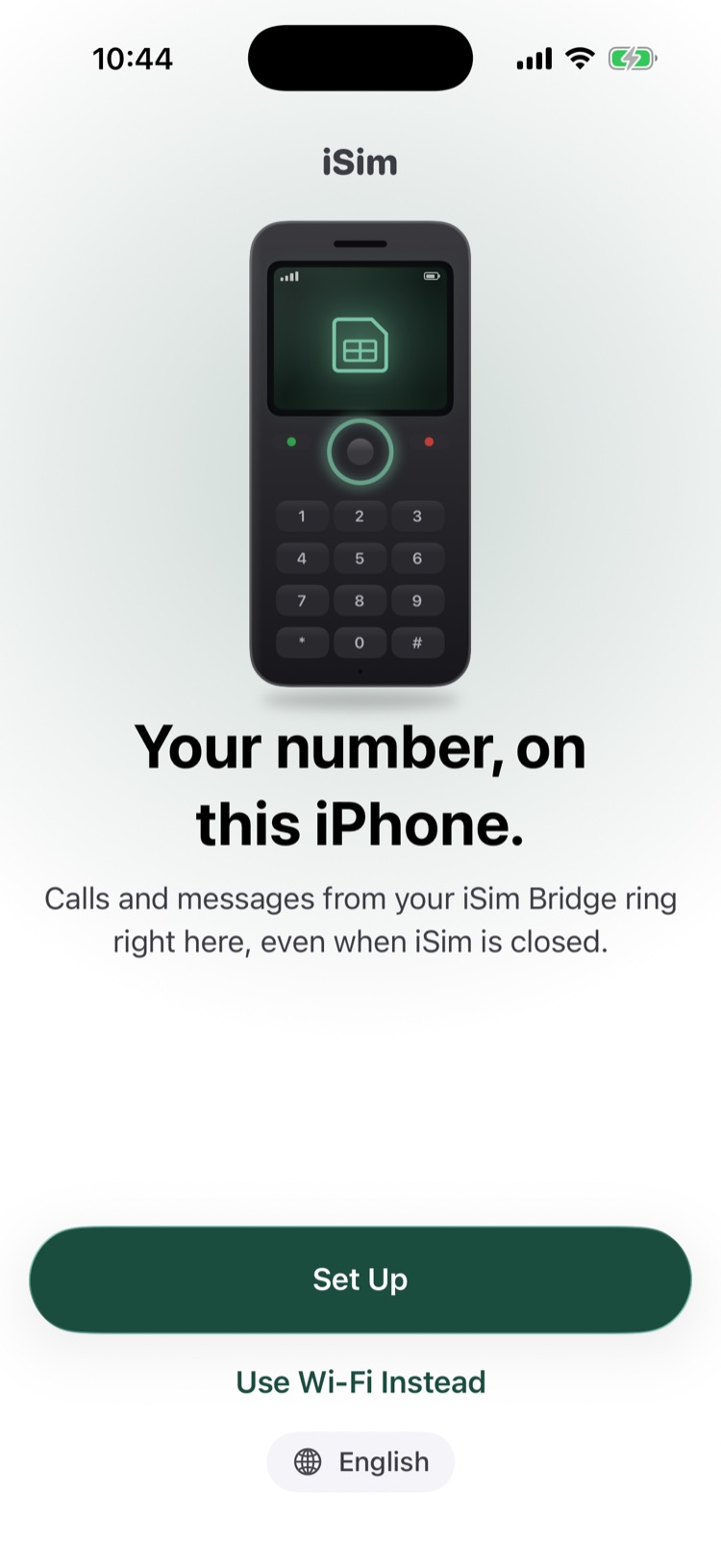
Your SIM stays in a small bridge phone, in your bag or pocket. Every call and text to your number comes straight to your iPhone.
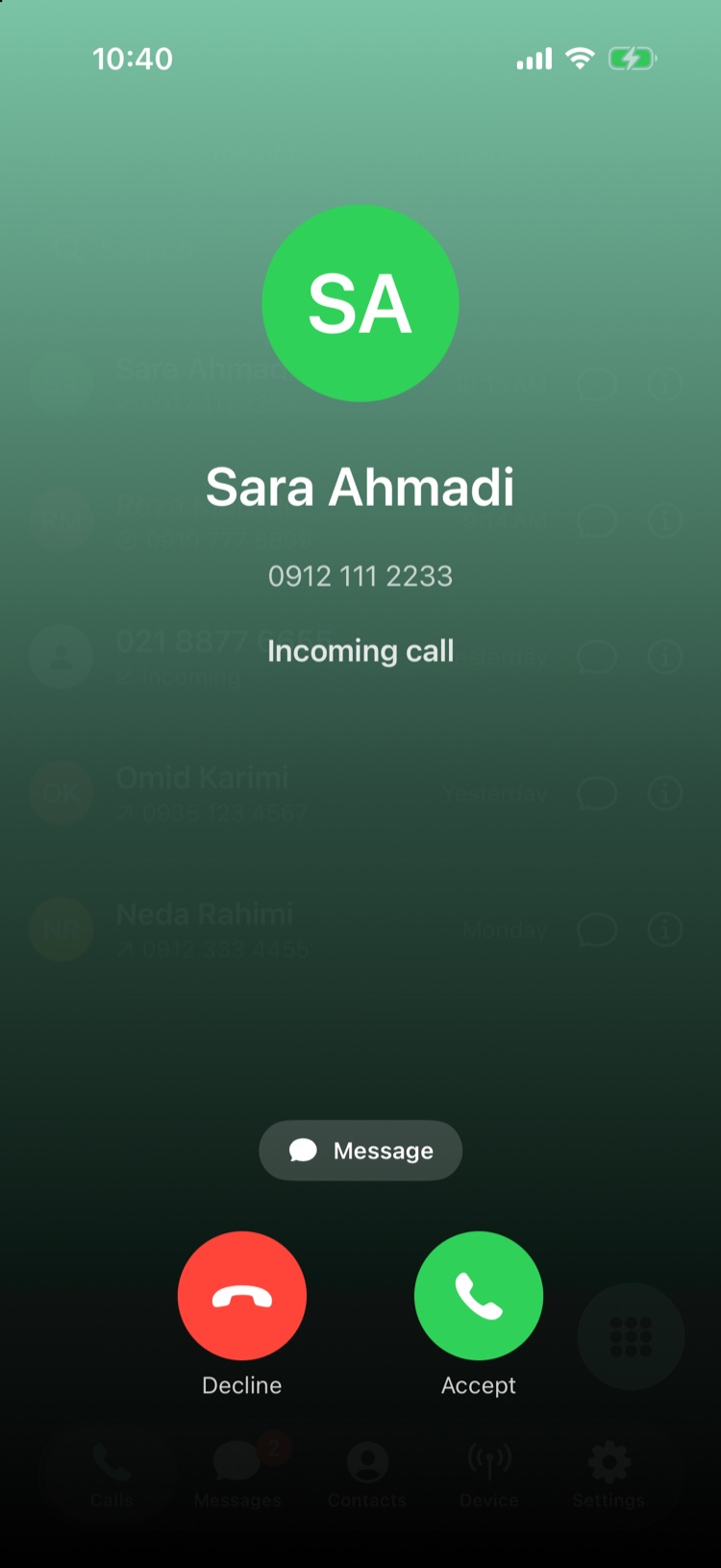
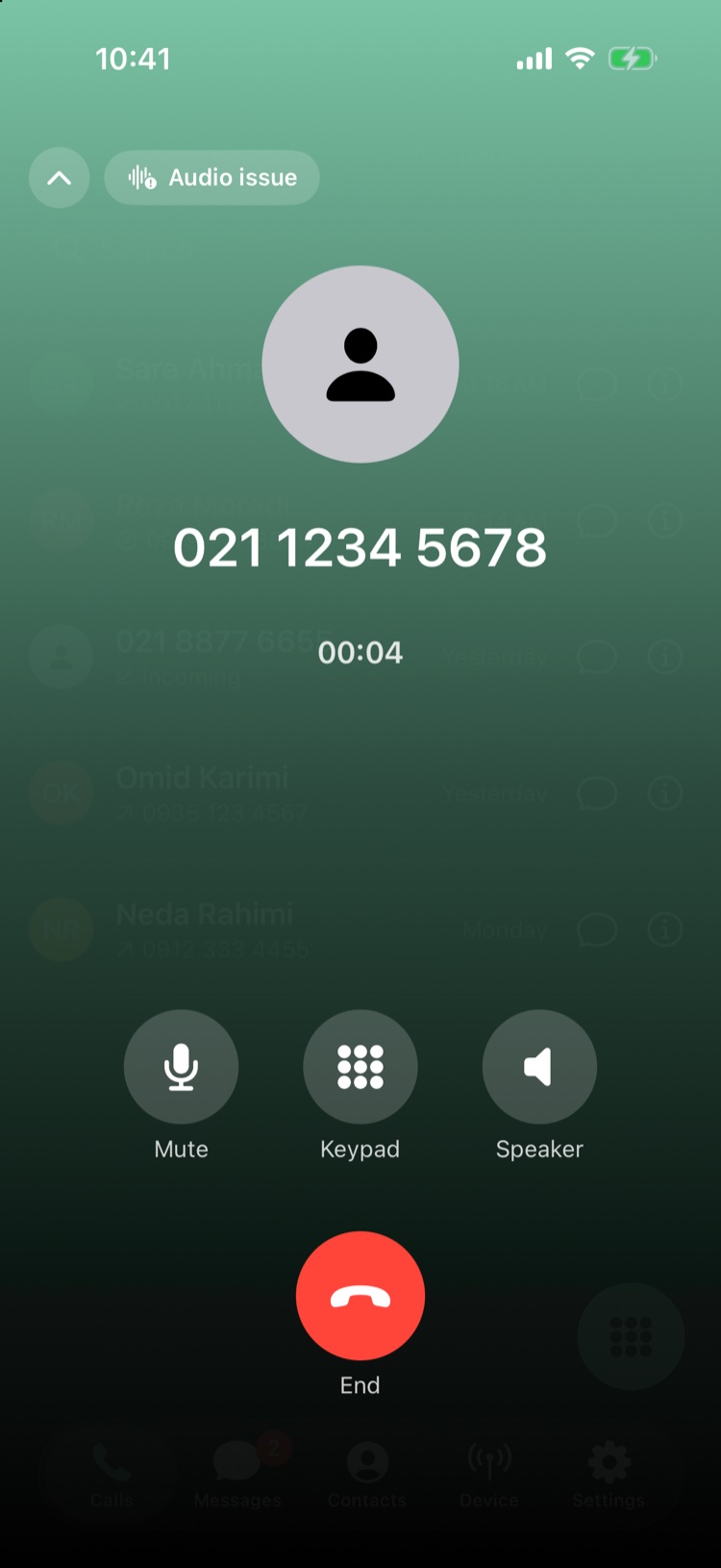
One phone in your hand. The other stays in your bag.
No more digging through your bag for the phone that's ringing at the bottom of it.
A small phone with one job: hold your SIM and bring it to your iPhone.
Hold it close, tap Set Up, then press Accept on the bridge. It takes a few seconds, with no code to type.
In your bag or pocket. From now on, calls and texts to your number arrive on your iPhone.
Calls
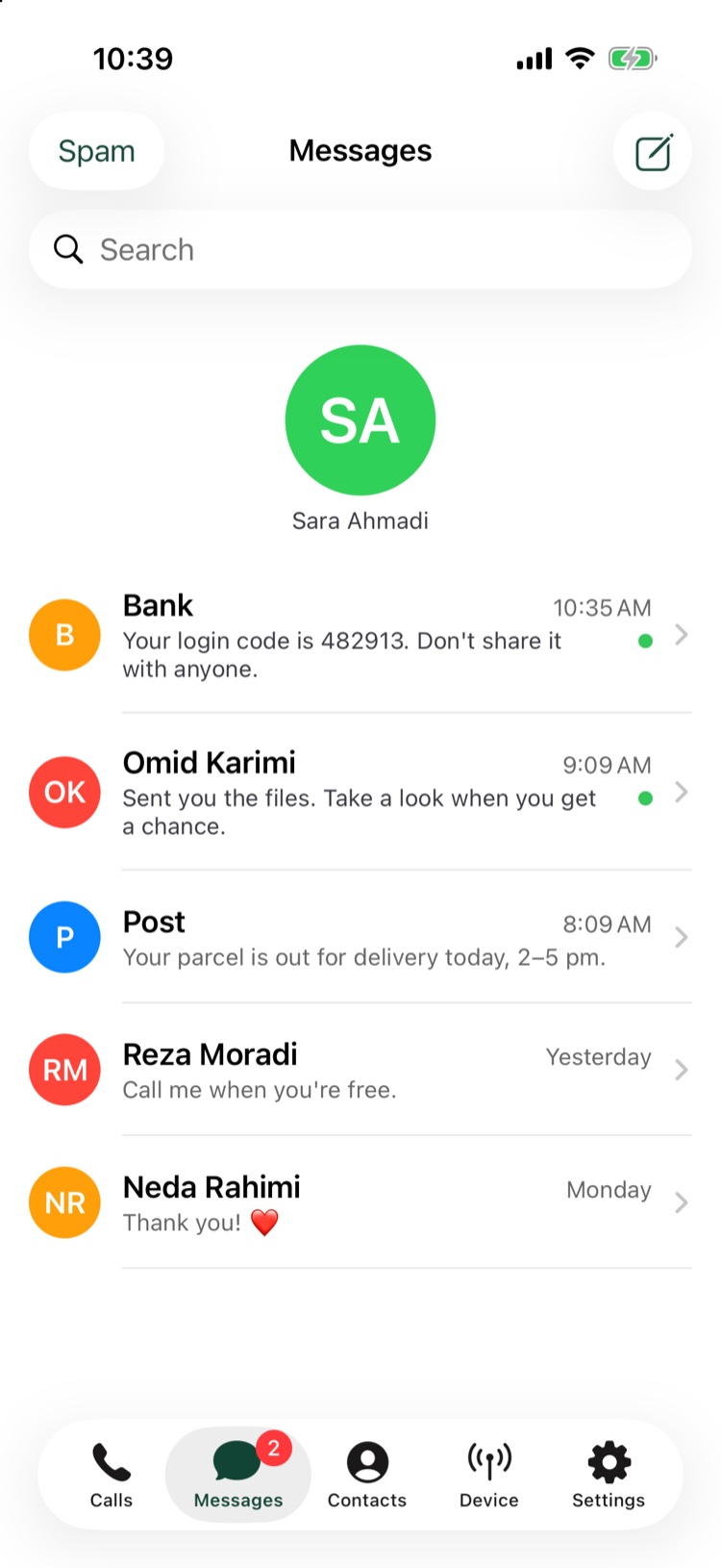
Messages
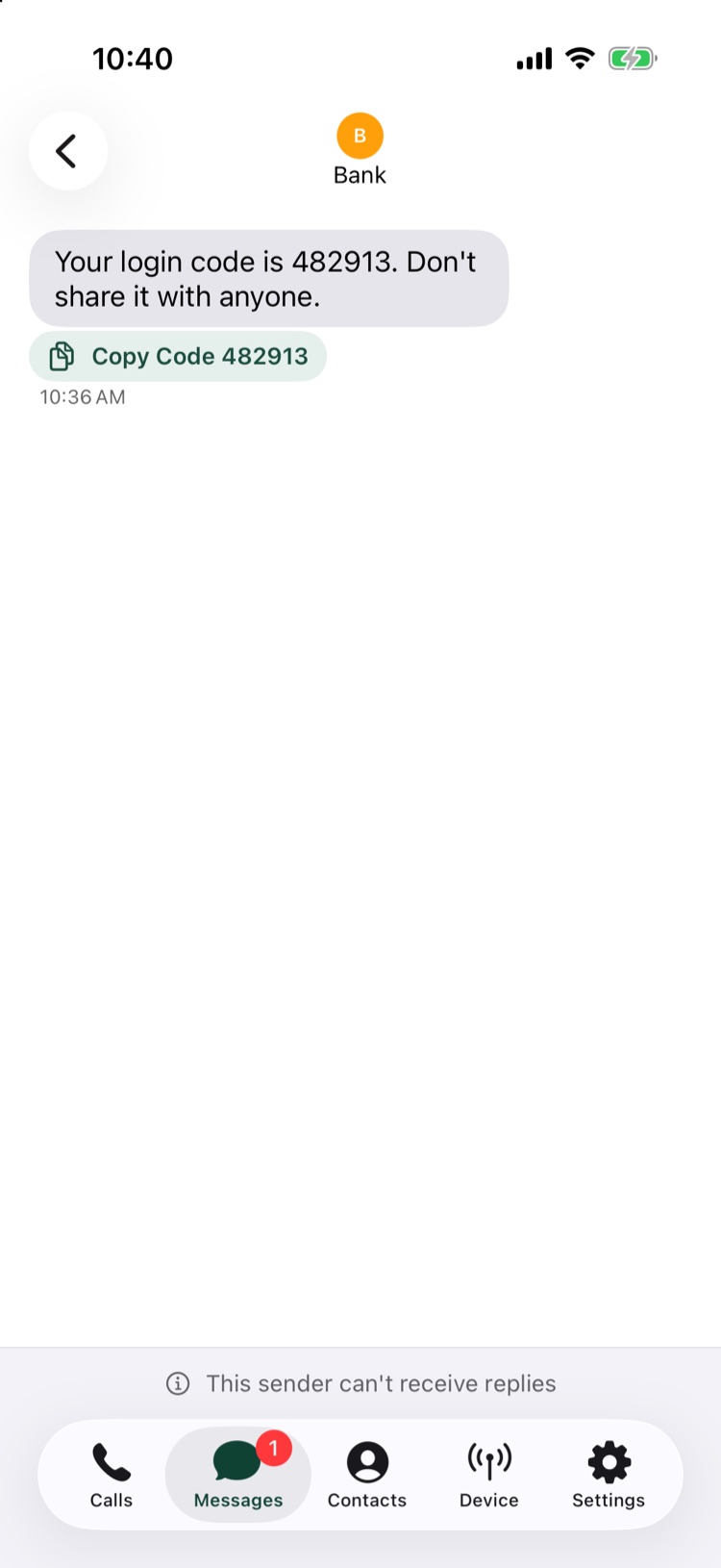
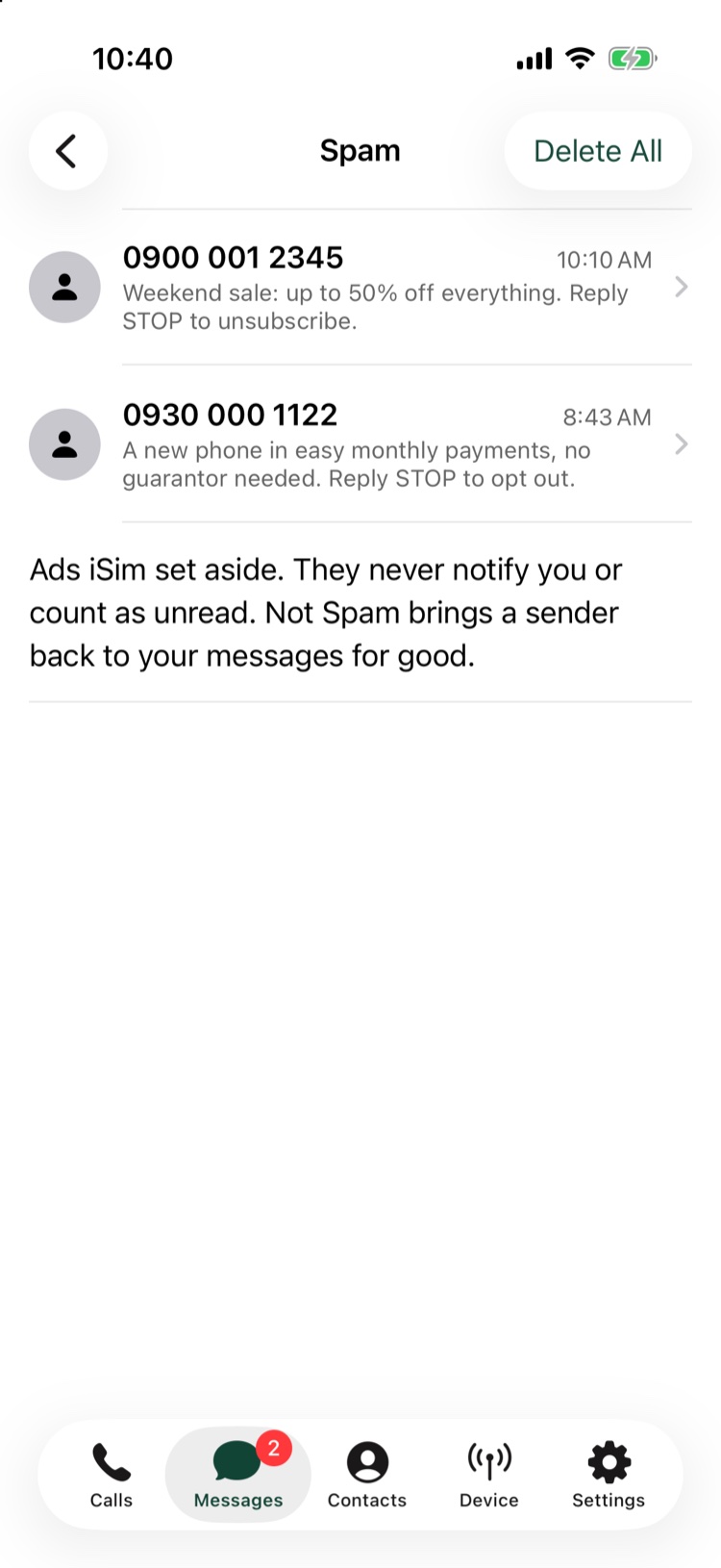
If your bridge holds two SIMs, pick one for each call and each conversation, or give every contact a default.
Check your balance and plan without taking the bridge out of your bag.
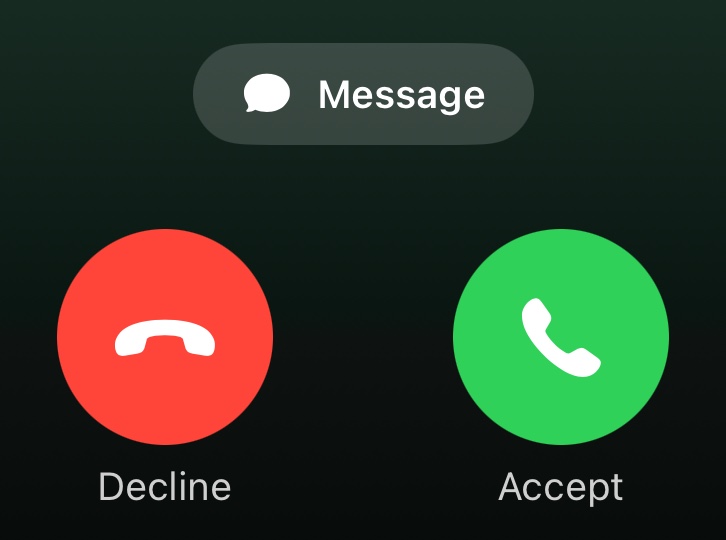
Turn down a call and send the caller a ready-made message.
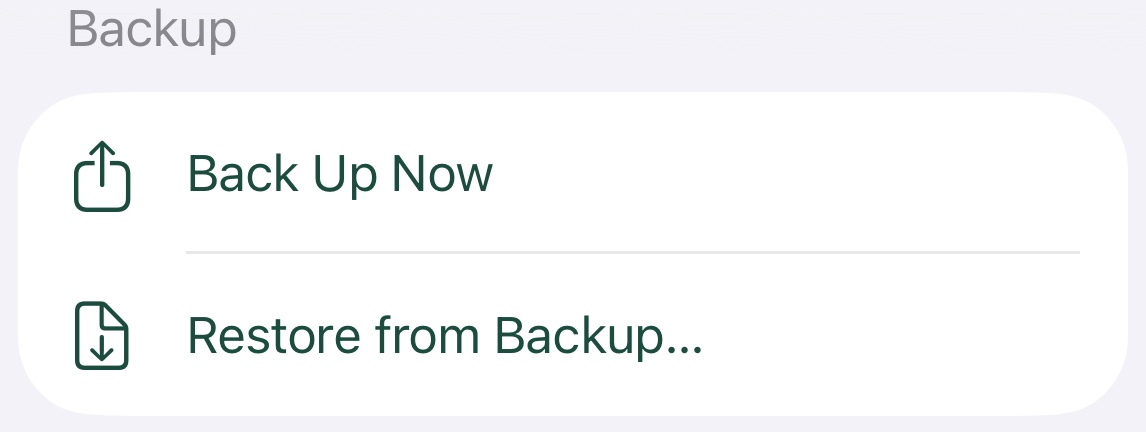
Back up your messages to a file locked with a password you choose, and restore them whenever you like.
iSim Bridge
The bridge does one job: it holds your SIM and brings it to your iPhone. Everything else happens on your iPhone.
See its signal and battery in iSim, and its status on your Lock Screen and in the Dynamic Island.
Turn on its hotspot from iSim, and your iPhone joins by itself. No password to type.
Update the bridge from your iPhone.
Privacy
Works offline
Your iPhone and the bridge talk over Bluetooth, and calls and texts travel on your SIM's own network. iSim goes online only to fetch updates for the bridge.
Languages
A true right-to-left layout, Persian digits and the Vazirmatn font. Switch languages whenever you like.
In memory of Saber Rastikerdar
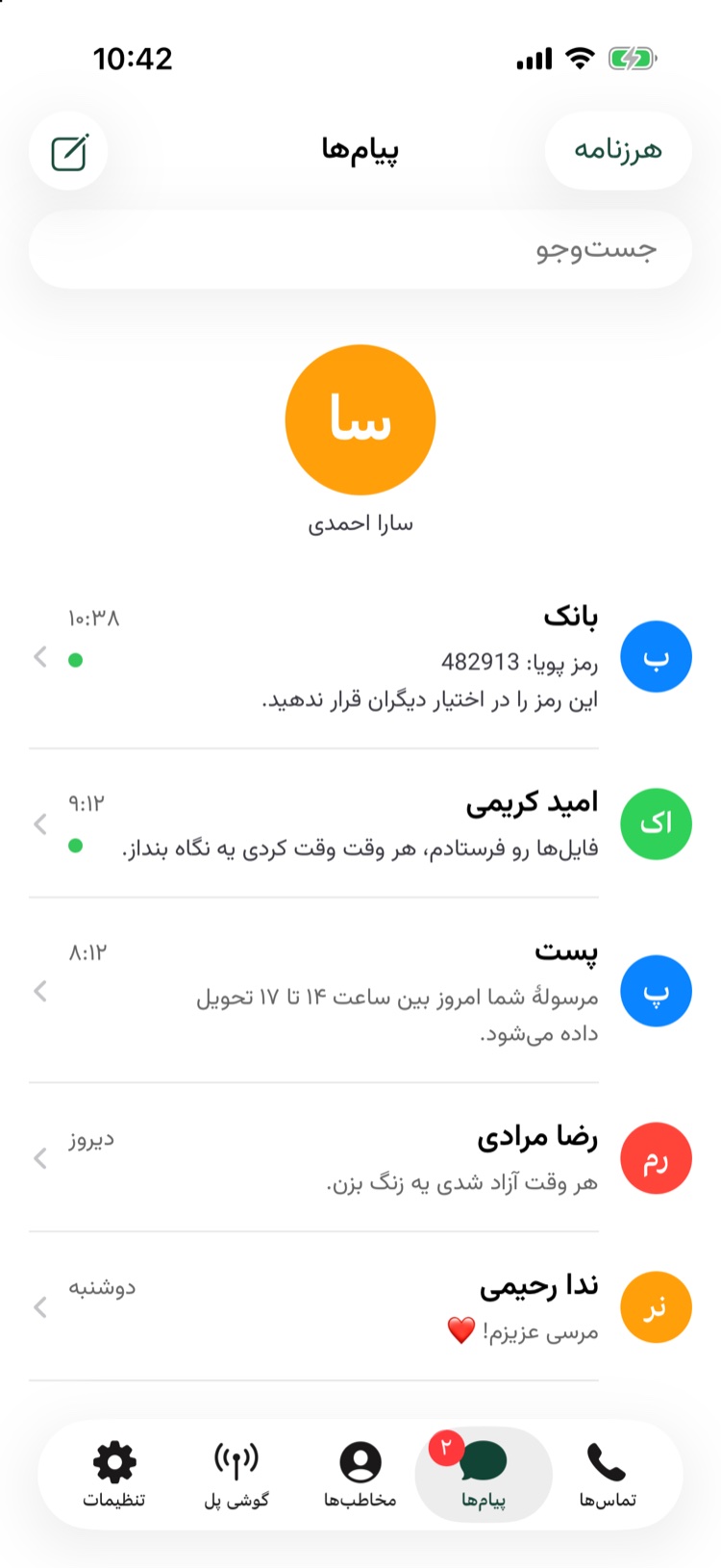
An iPhone, the iSim app, and an iSim Bridge with your SIM inside. Keep the bridge charged and with you.
Only from a verified seller. Message us on Telegram at @iSim_Support and we'll point you to one.
Some iPhones have no SIM tray, some can't use a local SIM, and some people want a second number kept apart. iSim works in all three cases.
No. In Bluetooth and Hybrid modes, your iPhone wakes iSim when a call or text comes in, even after you swipe it away.
Calls and texts reach your iPhone while the bridge is near you. iSim shows when it's out of range and reconnects by itself when you're back.
No. The two phones talk over Bluetooth, and calls and texts use your SIM's own network, even when the internet is down. iSim goes online only to download updates for the bridge.
Bluetooth works anywhere. For the clearest audio, switch on Hybrid and your iPhone also joins the bridge's own Wi-Fi.
Nowhere. There's no account and no server of ours in between. Your calls, texts and contacts stay between your iPhone and your bridge.
Yes, if your bridge holds two SIMs. Choose one for each call and each conversation.
Get iSim on the App Store, and your iSim Bridge from a verified seller.
Verified sellers
We're putting the seller list together. Until it's ready, message us on Telegram and we'll point you to a seller we trust.
Tell us which city you're in, and we'll point you to a verified seller.
Message us on Telegram too.